CSS Text Property क्या है? What is CSS Text Property?
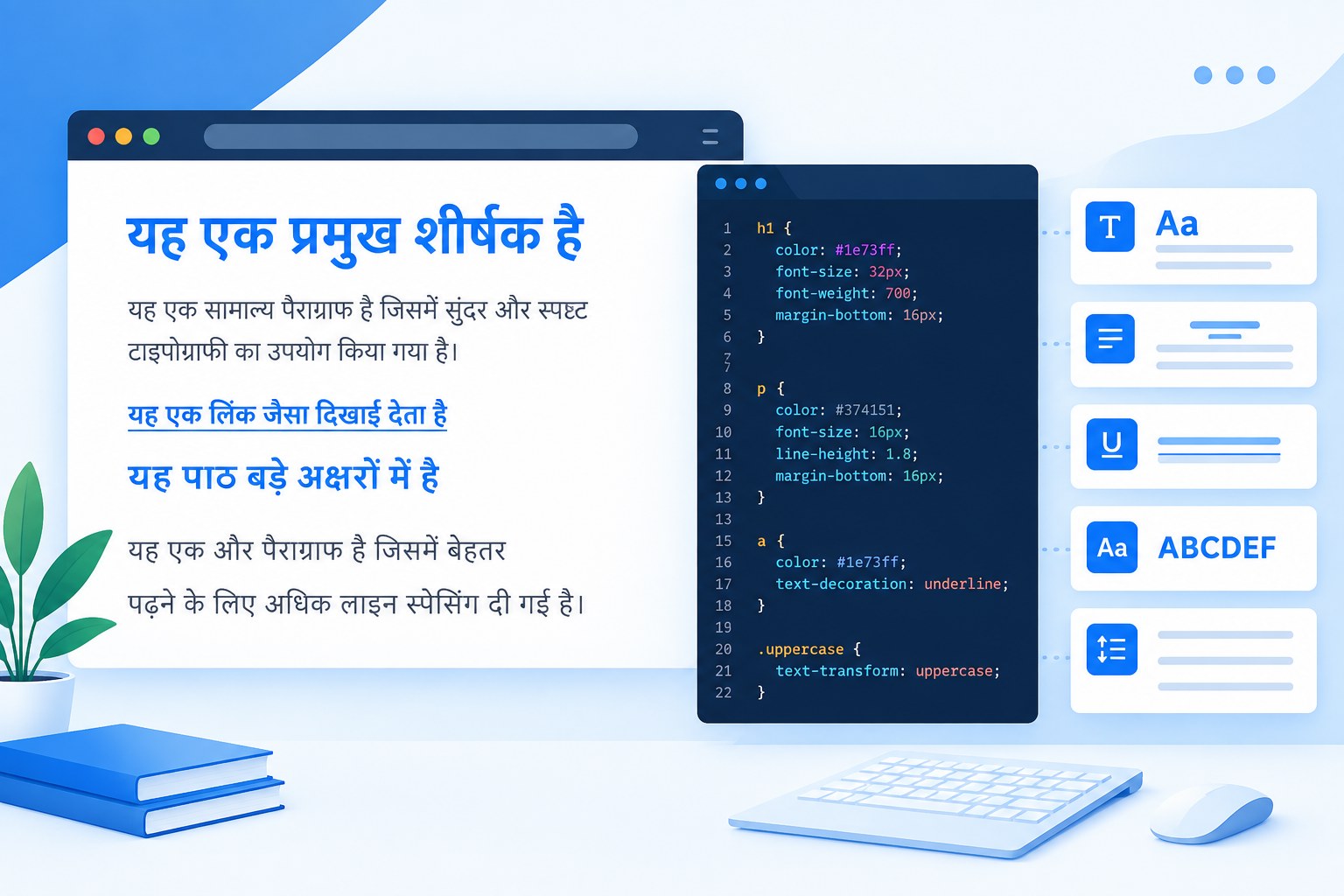
Web Page को डिज़ाइन करते समय, CSS Text Property का सही तरीके से उपयोग करना महत्वपूर्ण होता है। इस लेख में, हम CSS Text properties के विभिन्न पहलुओं और उनके उपयोग के तरीकों को विस्तार से समझेंगे।
CSS Text Property के प्रकार
CSS Text Properties वे विशेषताएँ हैं जिनका उपयोग टेक्स्ट के स्वरूप और व्यवहार को नियंत्रित करने के लिए किया जाता है। इन properties का उपयोग करके आप टेक्स्ट की alignment, decoration, transformation, और spacing को नियंत्रित कर सकते हैं।
1. text-align
इस property का उपयोग टेक्स्ट की alignment को सेट करने के लिए किया जाता है। यह चार मान ले सकता है: left, right, center, और justify।
Example:
<html>
<head>
<title>text-align Example</title>
<style>
.align-left {
text-align: left;
}
.align-center {
text-align: center;
}
.align-right {
text-align: right;
}
.align-justify {
text-align: justify;
}
</style>
</head>
<body>
<div class=”align-left”>Left aligned text.</div>
<div class=”align-center”>Center aligned text.</div>
<div class=”align-right”>Right aligned text.</div>
<div class=”align-justify”>Justified text for better readability.</div>
</body>
</html>
2. text-decoration
यह property टेक्स्ट पर सजावटी प्रभाव डालती है जैसे underline, overline, और line-through।
Example:
<html>
<head>
<title>text-decoration Example</title>
<style>
.underline {
text-decoration: underline;
}
.overline {
text-decoration: overline;
}
.line-through {
text-decoration: line-through;
}
.none {
text-decoration: none;
}
</style>
</head>
<body>
<p class=”underline”>This text is underlined.</p>
<p class=”overline”>This text has an overline.</p>
<p class=”line-through”>This text has a line through it.</p>
<p class=”none”>This text has no decoration.</p>
</body>
</html>
3. text-transform
इस property का उपयोग टेक्स्ट के केस को नियंत्रित करने के लिए किया जाता है। आप टेक्स्ट को uppercase, lowercase, या capitalize कर सकते हैं।
Example:
<html>
<head>
<title>text-transform Example</title>
<style>
.uppercase {
text-transform: uppercase;
}
.lowercase {
text-transform: lowercase;
}
.capitalize {
text-transform: capitalize;
}
</style>
</head>
<body>
<p class=”uppercase”>this text is uppercase.</p>
<p class=”lowercase”>THIS TEXT IS LOWERCASE.</p>
<p class=”capitalize”>this text is capitalized.</p>
</body>
</html>
4. text-indent
इस property का उपयोग टेक्स्ट के पहले लाइन के indentation को सेट करने के लिए किया जाता है।
Example:
<html>
<head>
<title>text-indent Example</title>
<style>
.indent {
text-indent: 30px;
}
</style>
</head>
<body>
<p class=”indent”>This paragraph has an indent on the first line.</p>
</body>
</html>
CSS Background हिन्दी में सीखें- Learn CSS Background in Hindi
CSS Color property को कैसे use किया जाता है-हिन्दी में
5. line-height
इस property का उपयोग टेक्स्ट की लाइनों के बीच की दूरी को सेट करने के लिए किया जाता है।
Example:
<html>
<head>
<title>line-height Example</title>
<style>
.line-height {
line-height: 1.5;
}
</style>
</head>
<body>
<p class=”line-height”>This paragraph has a line height of 1.5, which increases the space between lines of text.</p>
</body>
</html>
CSS Height and Width Property की पूरी जानकारी हिन्दी में
CSS Padding सीखें हिन्दी में-Learn Padding Property in Hindi
CSS Margin property और Values कहाँ और कैसे use करें
CSS Text Property Values
CSS Text properties में अलग-अलग properties के अनुसार अलग values काम करती हैं। इसलिए auto, length या % को हर text property पर लागू नहीं किया जा सकता। उदाहरण के लिए text-align में left, center और right जैसे keywords मिलते हैं, जबकि text-indent में px, em या rem जैसी length values उपयोग की जा सकती हैं।
| CSS Property | उदाहरण Values | काम |
|---|---|---|
text-align | left, center, right, justify | टेक्स्ट की alignment सेट करना |
text-decoration | underline, overline, line-through, none | टेक्स्ट की decoration नियंत्रित करना |
text-transform | uppercase, lowercase, capitalize | अक्षरों का case बदलना |
text-indent | 30px, 2em | पहली लाइन का indentation सेट करना |
line-height | 1.5, 24px | लाइनों के बीच vertical spacing नियंत्रित करना |
CSS Text Property का उपयोग करते समय ध्यान रखने वाली बातें
- मोबाइल और desktop दोनों स्क्रीन पर text readability जांचें।
- बहुत ज्यादा
letter-spacingया कमline-heightसे readability खराब हो सकती है। - हर property के लिए केवल वही values इस्तेमाल करें जो उसके CSS specification में valid हैं।
- उदाहरणों को अपने project में लागू करने से पहले browser में test करें।
CSS Text Property से जुड़े सामान्य सवाल
CSS में text-align property क्या करती है?
text-align किसी block या inline content के भीतर text की horizontal alignment नियंत्रित करने के लिए उपयोग होती है।
text-decoration और text-transform में क्या अंतर है?
text-decoration underline या line-through जैसे visual effects नियंत्रित करती है, जबकि text-transform text के letter case को बदलती है।
line-height क्यों उपयोग की जाती है?
line-height text की lines के बीच vertical spacing नियंत्रित करती है, जिससे लंबे paragraphs की readability बेहतर हो सकती है।
निष्कर्ष
CSS Text Property के अलग-अलग properties का सही उपयोग करके आप webpage के text की alignment, decoration, transformation और spacing को बेहतर तरीके से नियंत्रित कर सकते हैं। ऊपर दिए गए examples को अपने project में test करके इनके प्रभाव को आसानी से समझ सकते हैं।
इस आर्टिकल में हमने CSS Text Property और इसके उपयोग के तरीकों को विस्तार से समझाया है। यदि आपको किसी भी प्रकार की सहायता की आवश्यकता है, तो कृपया कमेंट करें। हम आपके हर कमेंट का उत्तर देंगे। इस लेख को अपने दोस्तों के साथ जरूर शेयर करें।
About Author

Sant Lal
My Name is Sant Lal From Haryana India.I am a part time blogger and always share usefull information for visiter.I want to help people about blogging, SEO and making money. Aap mujhe support de aur jyada se jyada apne dosto ke sath share kre. Google Plus